thinksmall studio
design & code, Stockholm

A very small studio. One person, no synergy, no account managers. You talk to the person doing the work, mostly because there's nobody else here.

Everyone is thinking big. Someone has to do the small stuff.

Small as in the small things: type, spacing, what happens when you press the button. I will absolutely move it one pixel to the left. Twice.

Yes, I use AI. No, it doesn't get to pick the colours. Language models consulted: several. Purple gradients shipped: 0.

Fewer pages, fewer features, fewer pop-ups. Most things get better when there is less of them. Studios included.

selected work ↓

Selected work

(05)
I

Akilles

mobile app · 2026

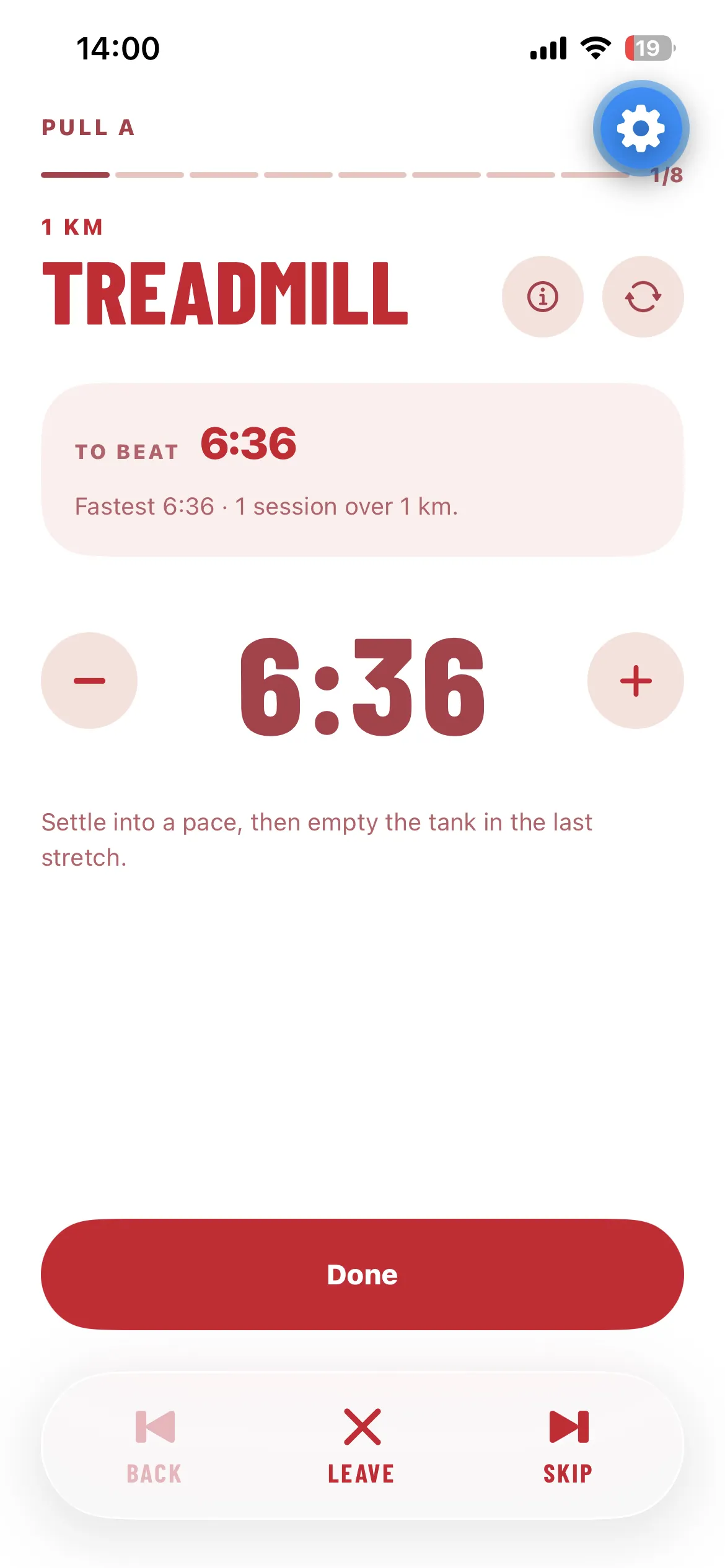
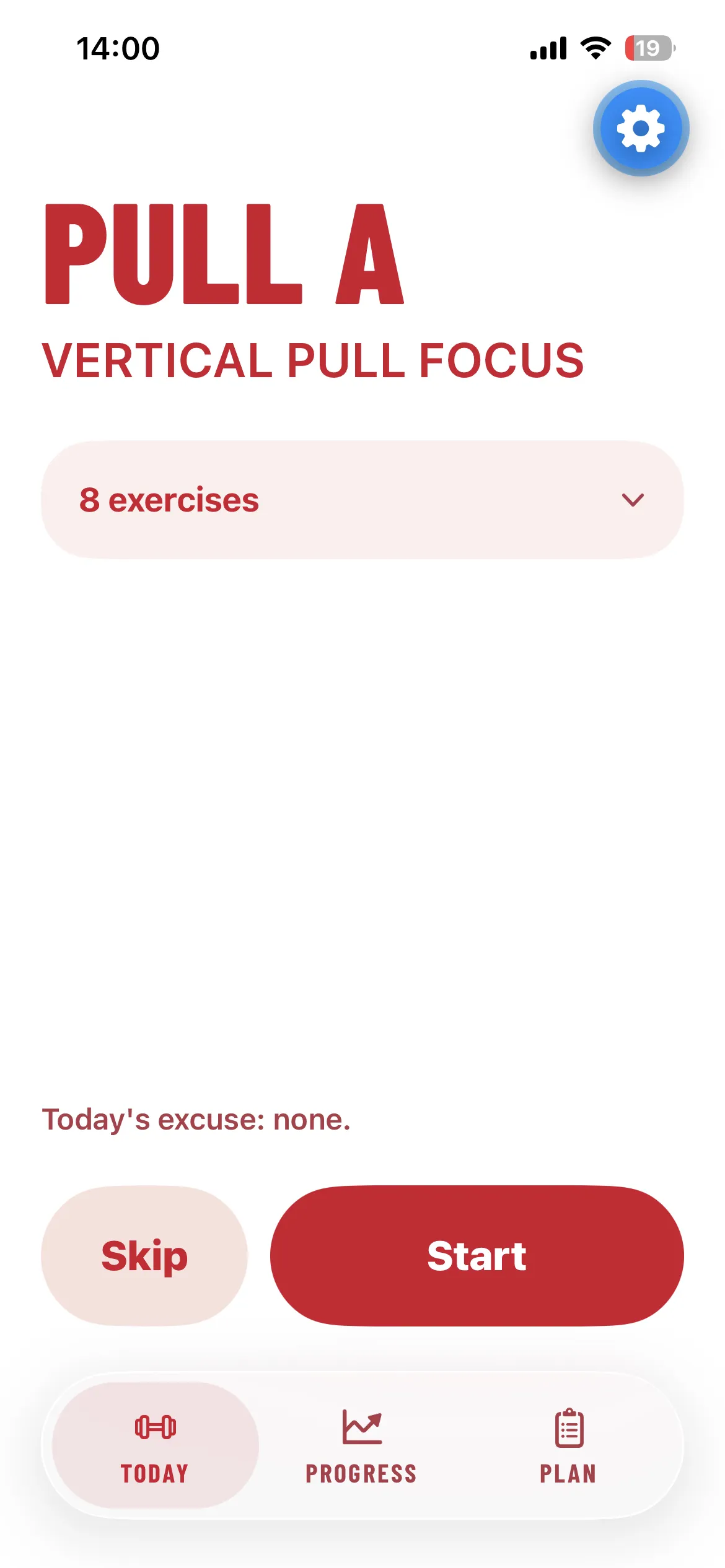
A workout app with one job: open it and know exactly what to do.
Akilles on mobile
Akilles on mobile
Akilles on mobile
Akilles on mobile
01 / 04
II

Byggkollektivet

web app · 2026

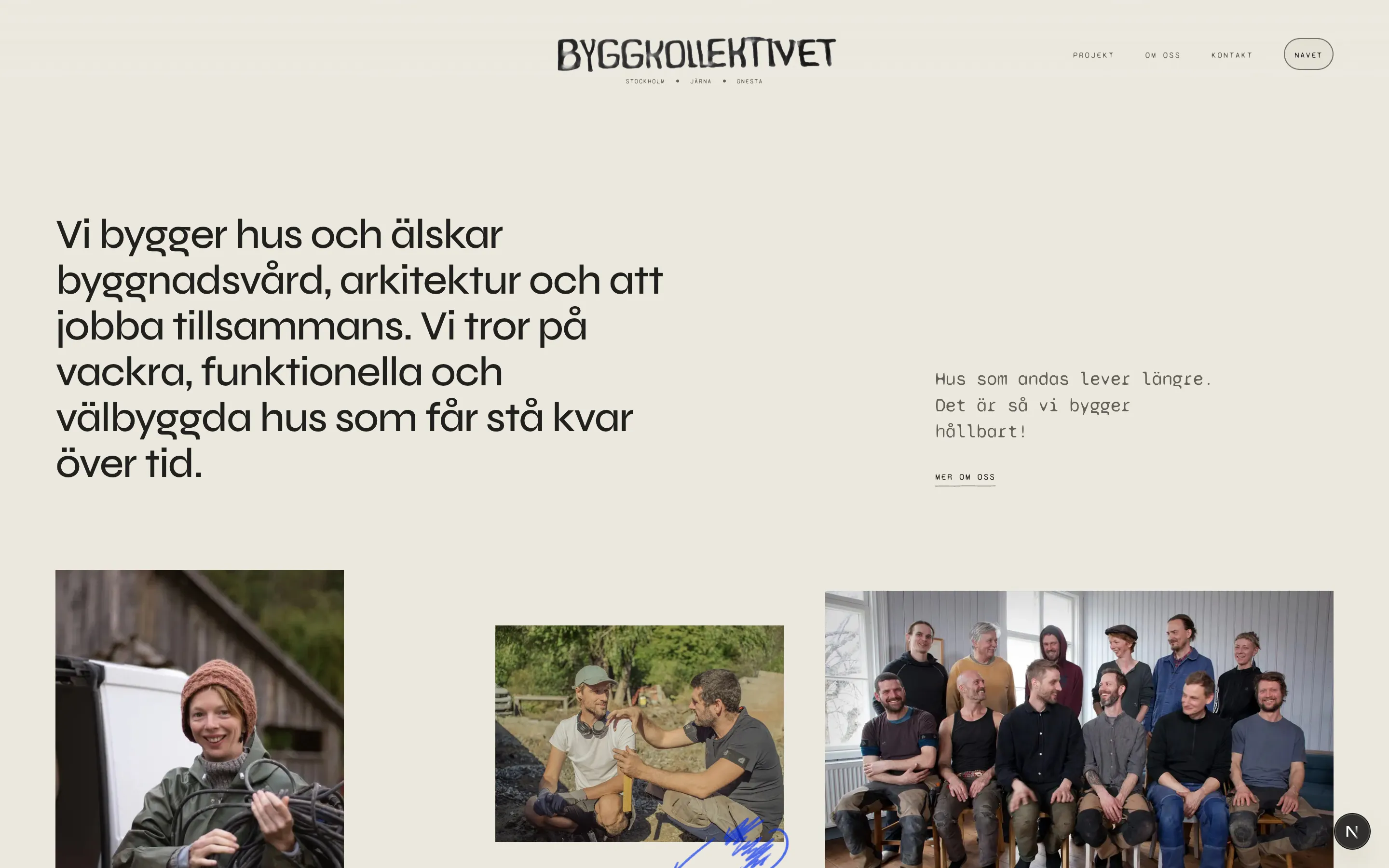
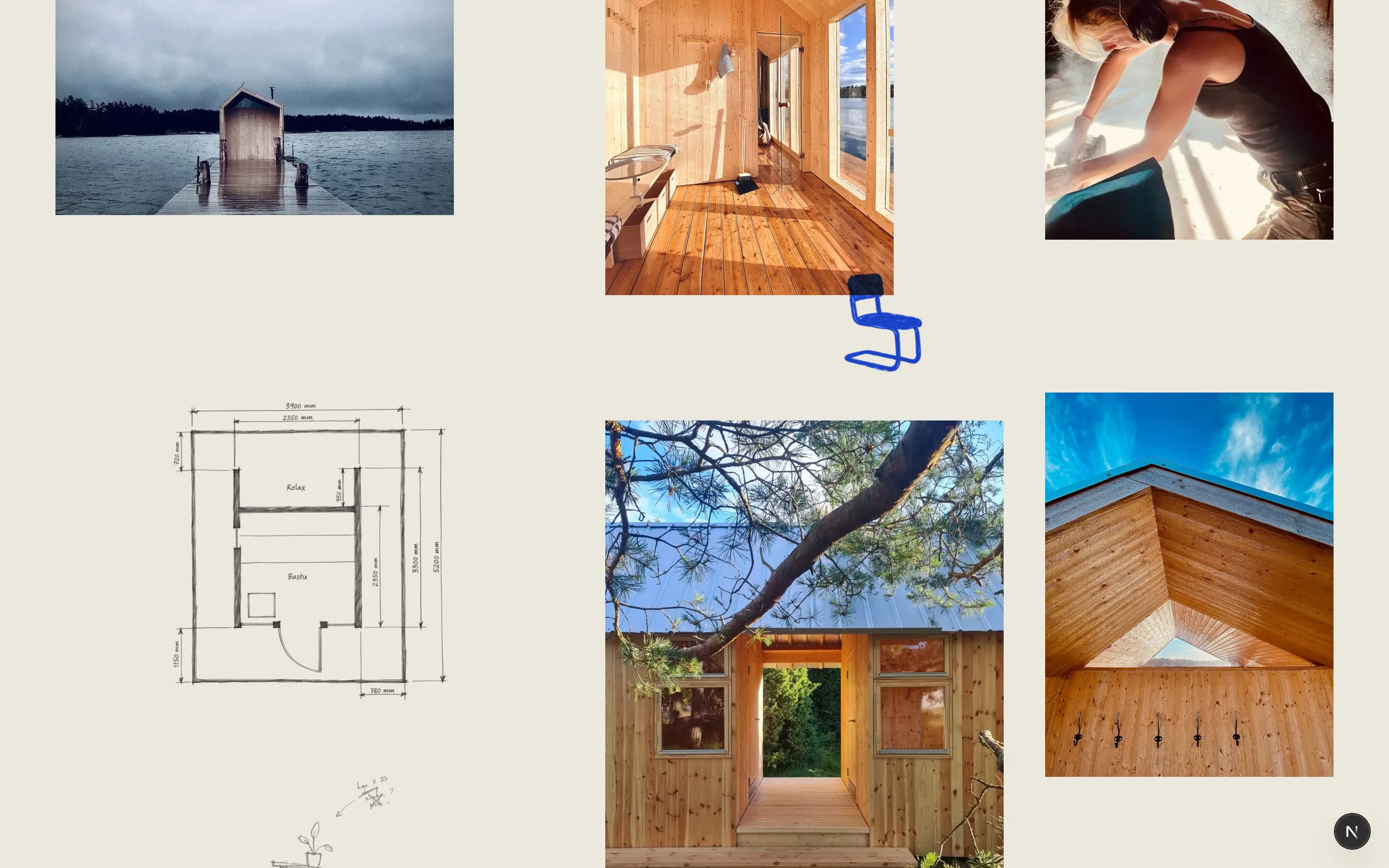
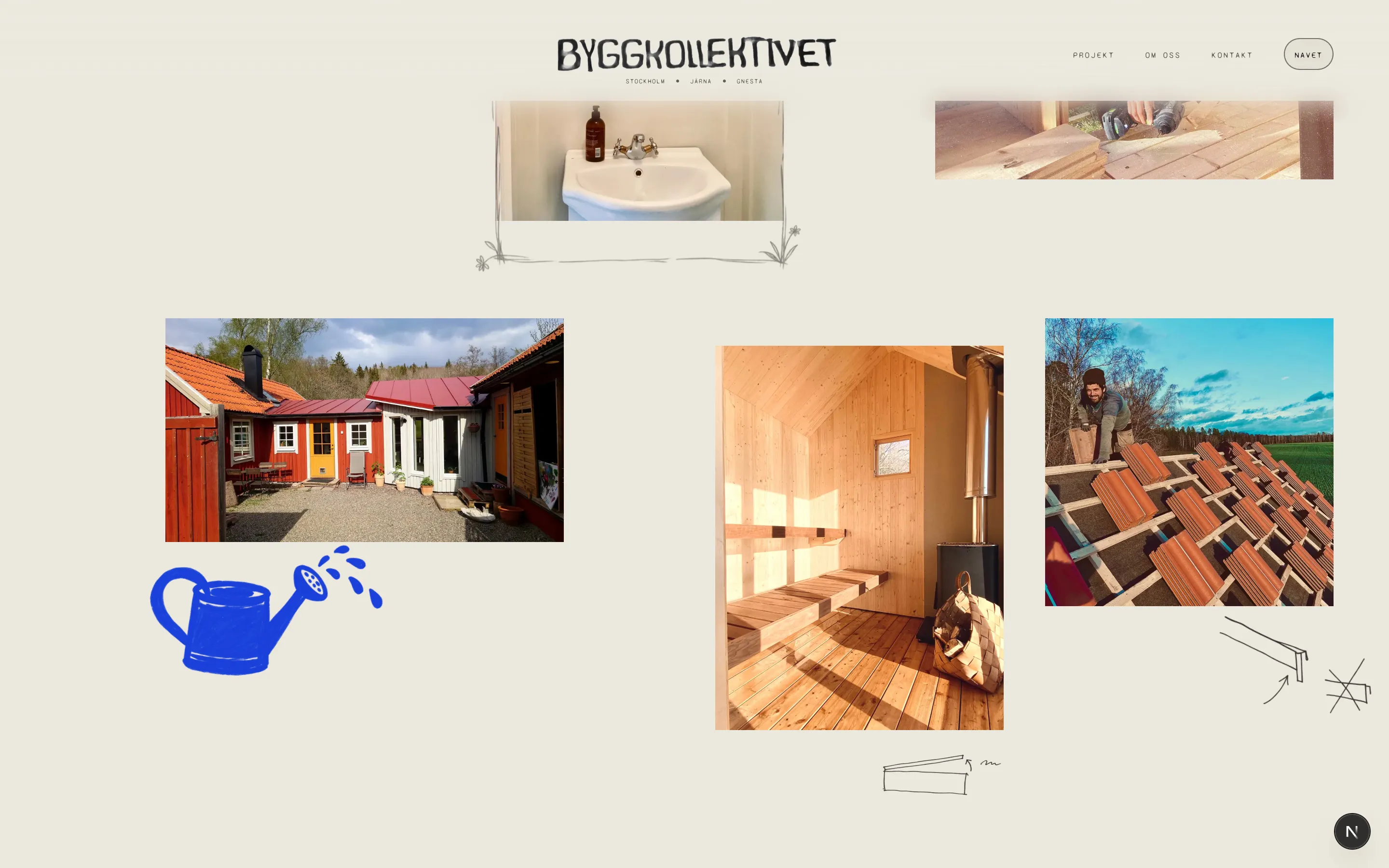
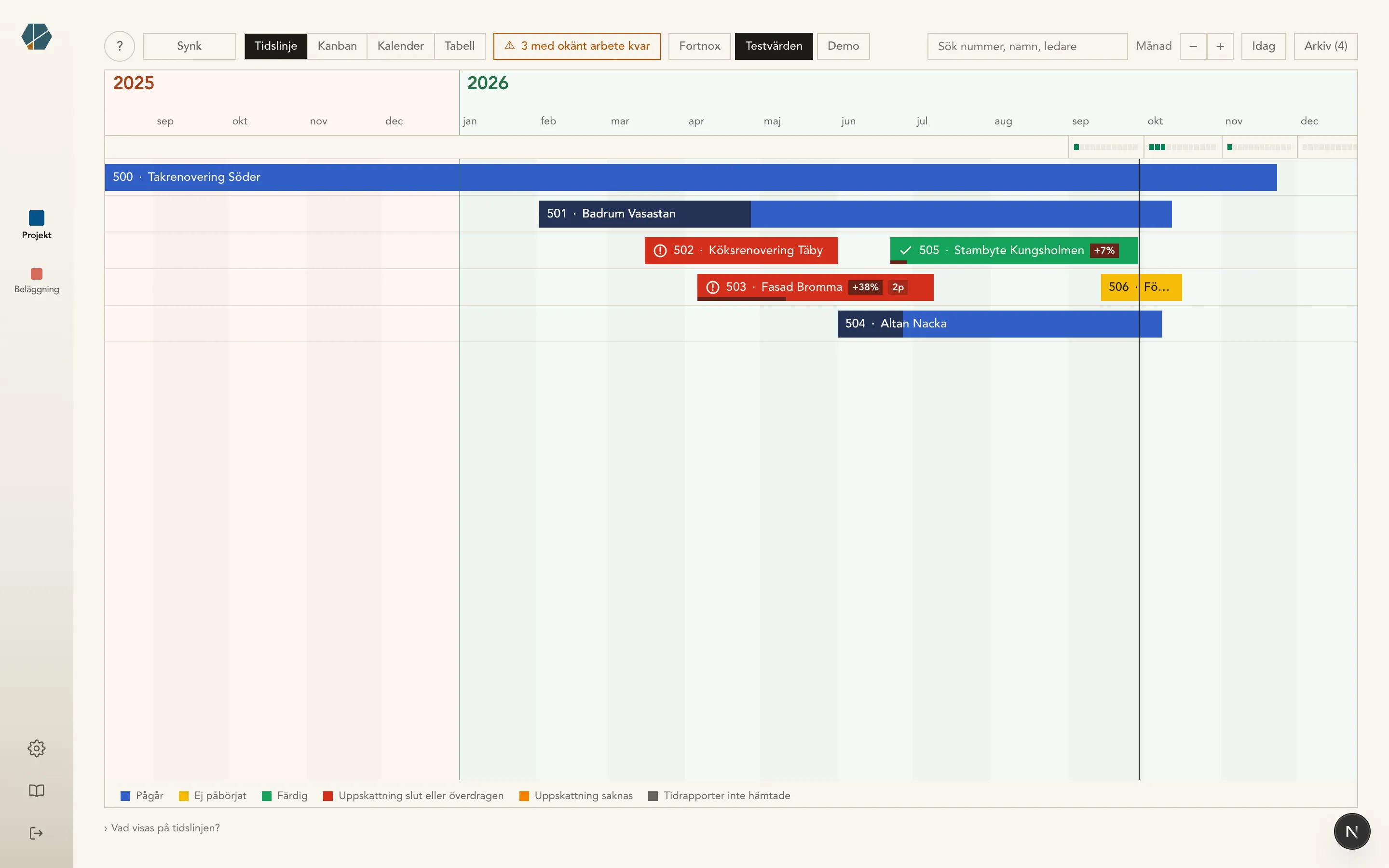
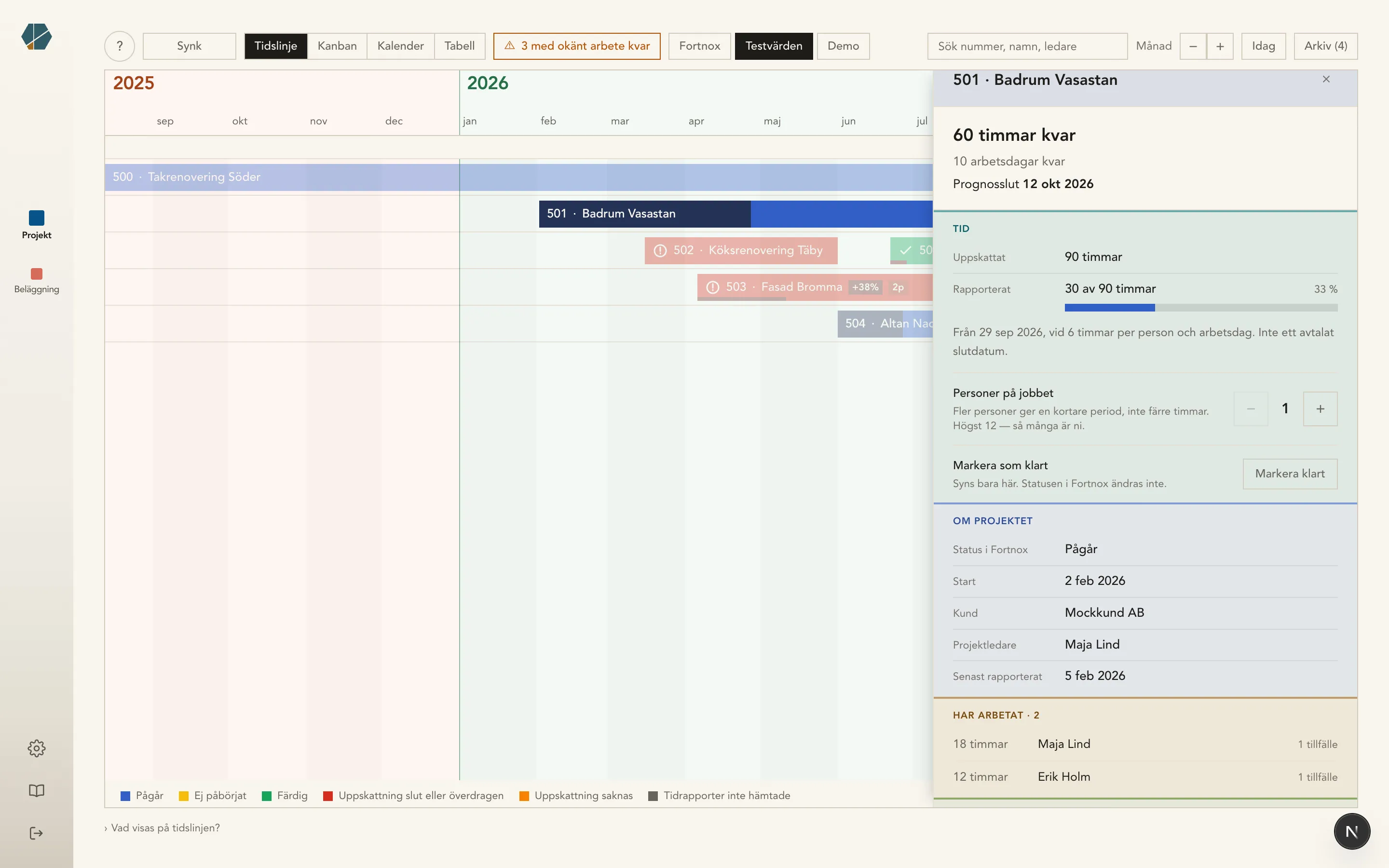
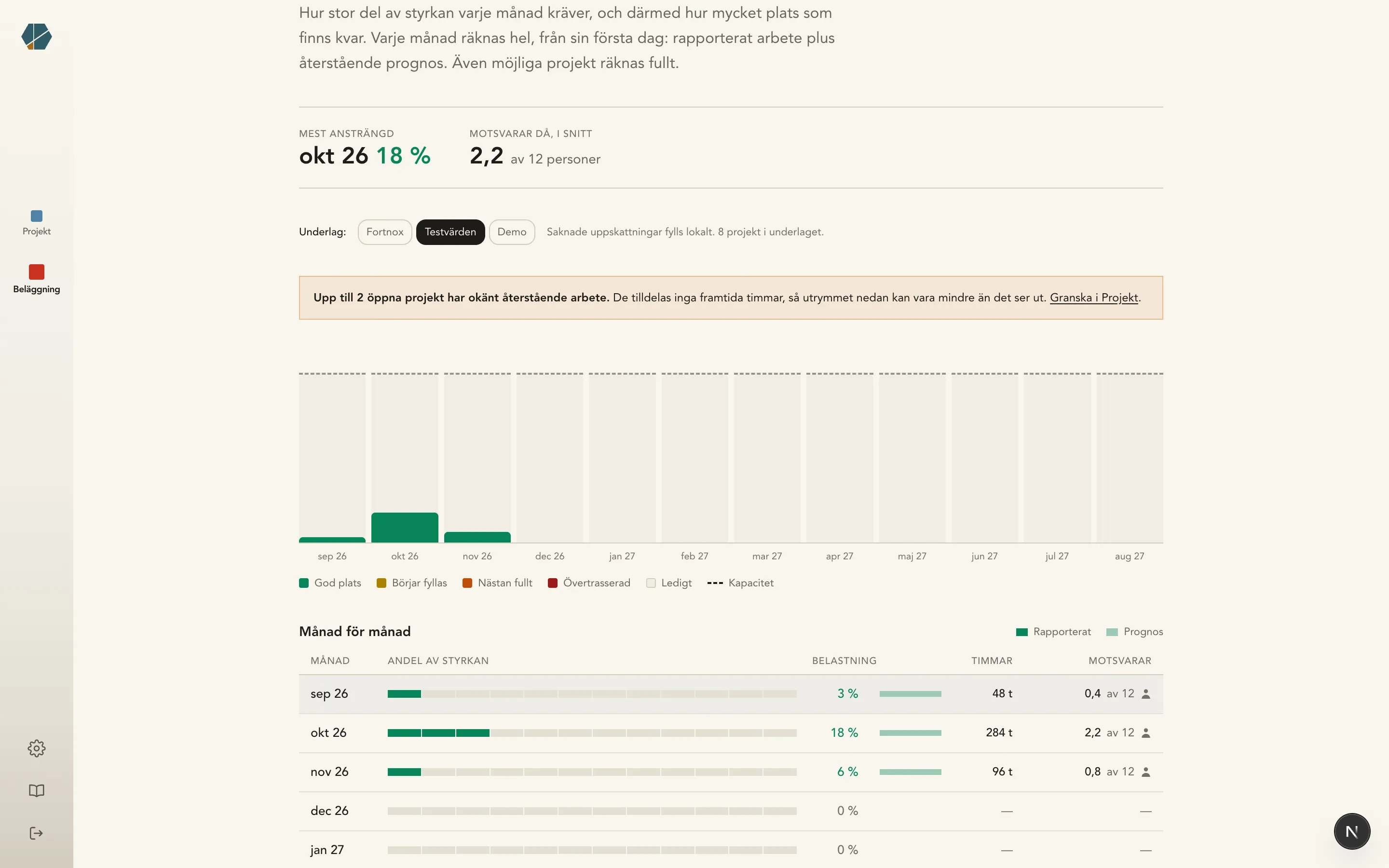
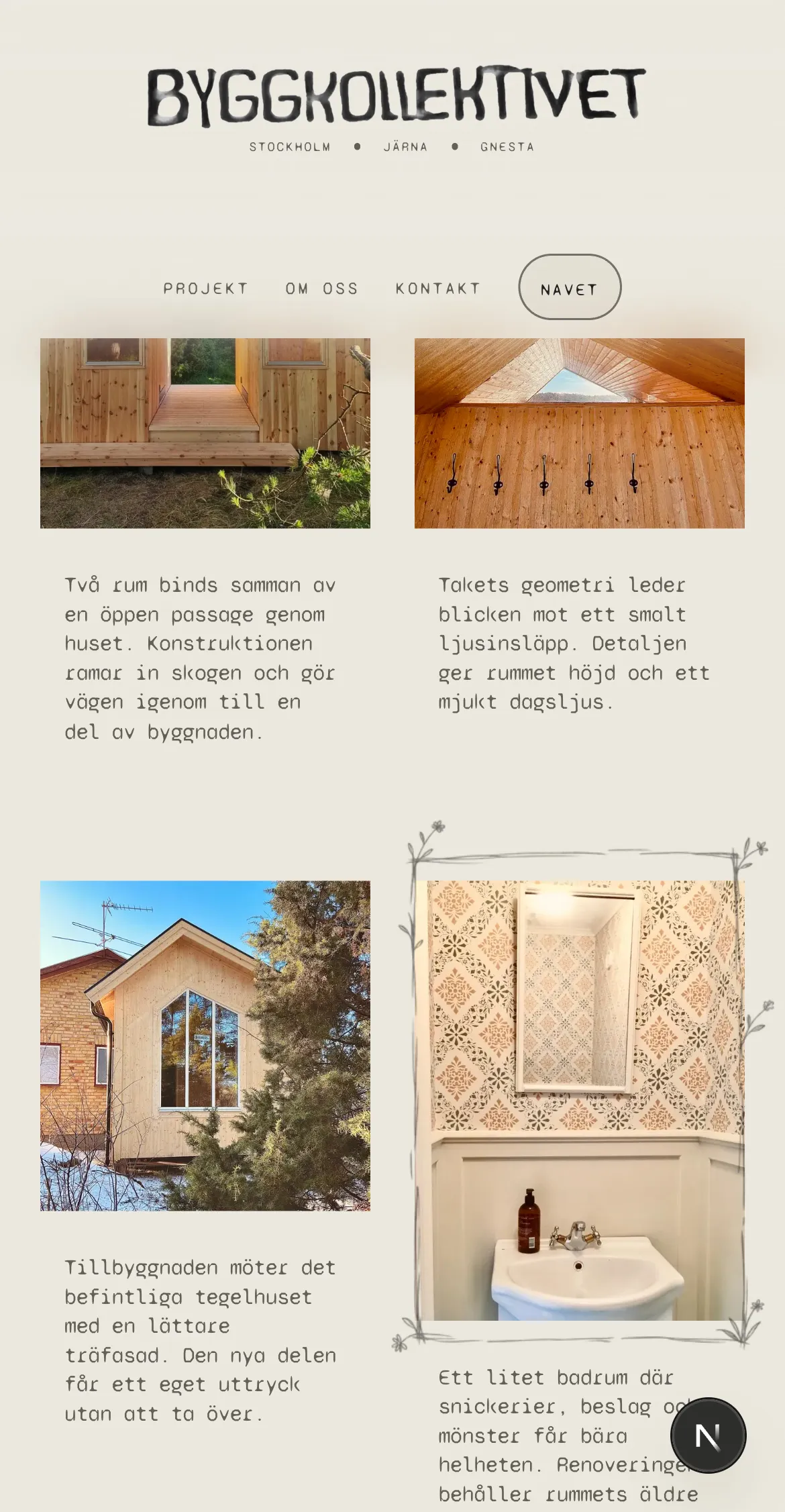
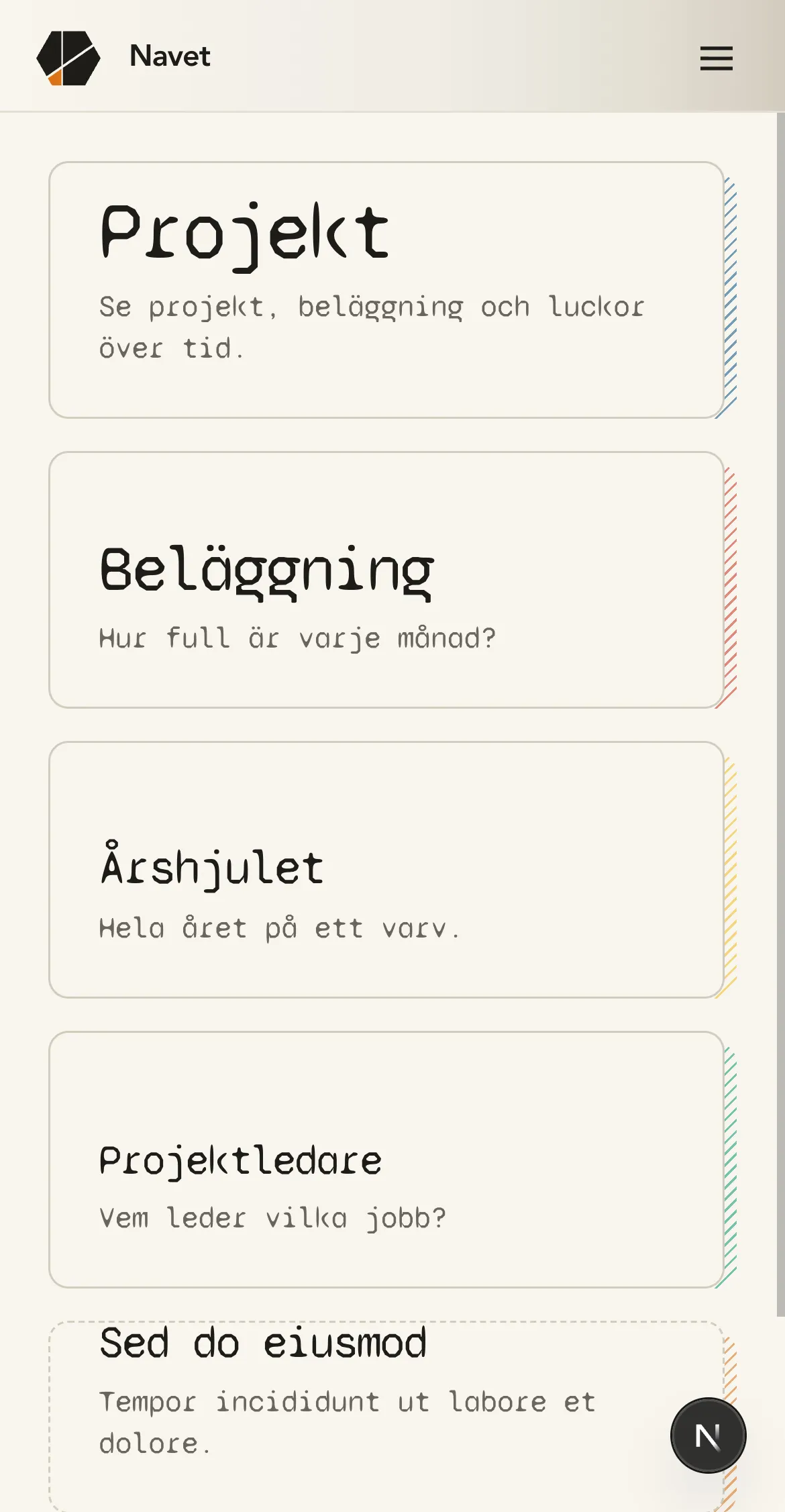
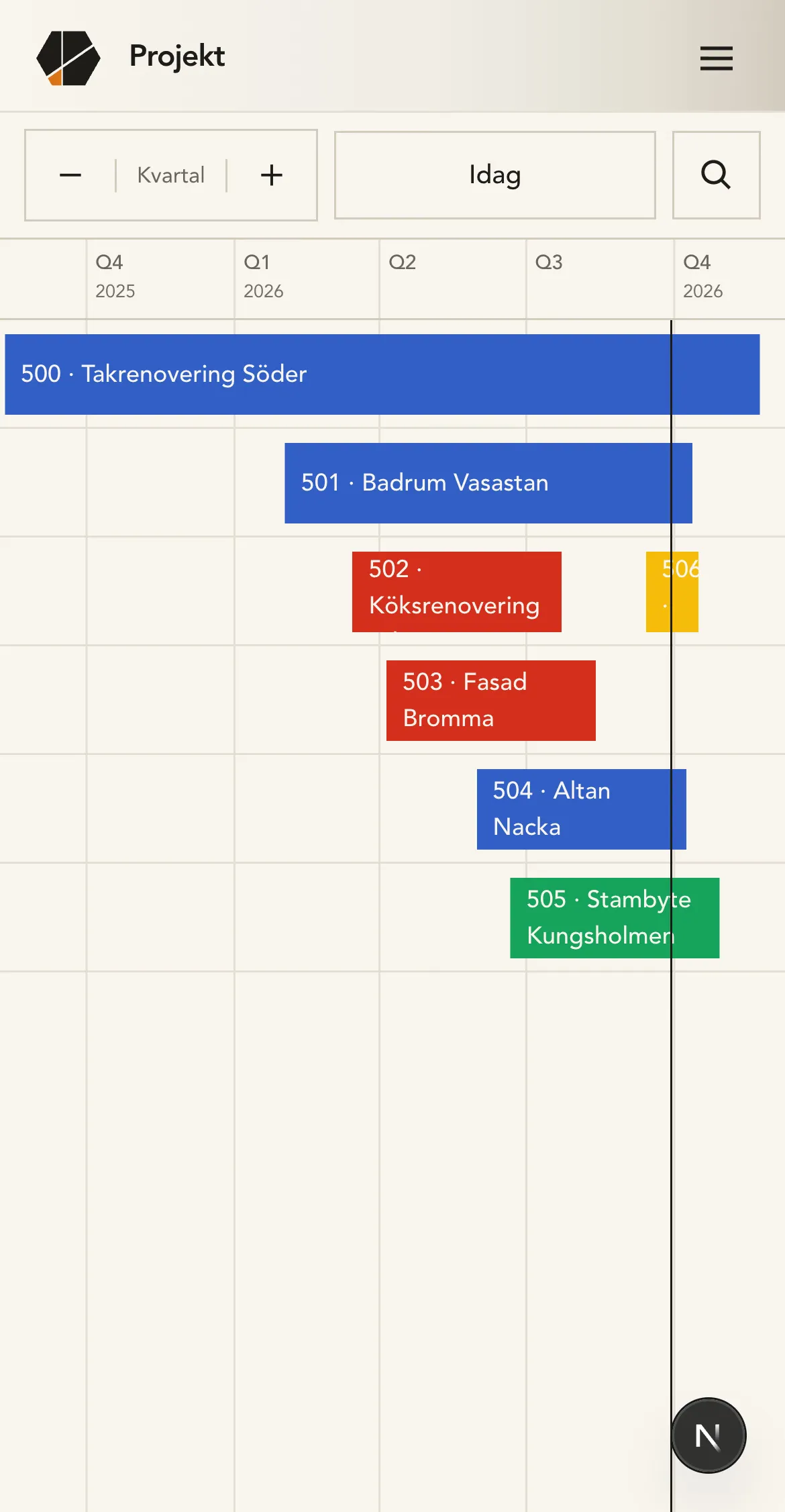
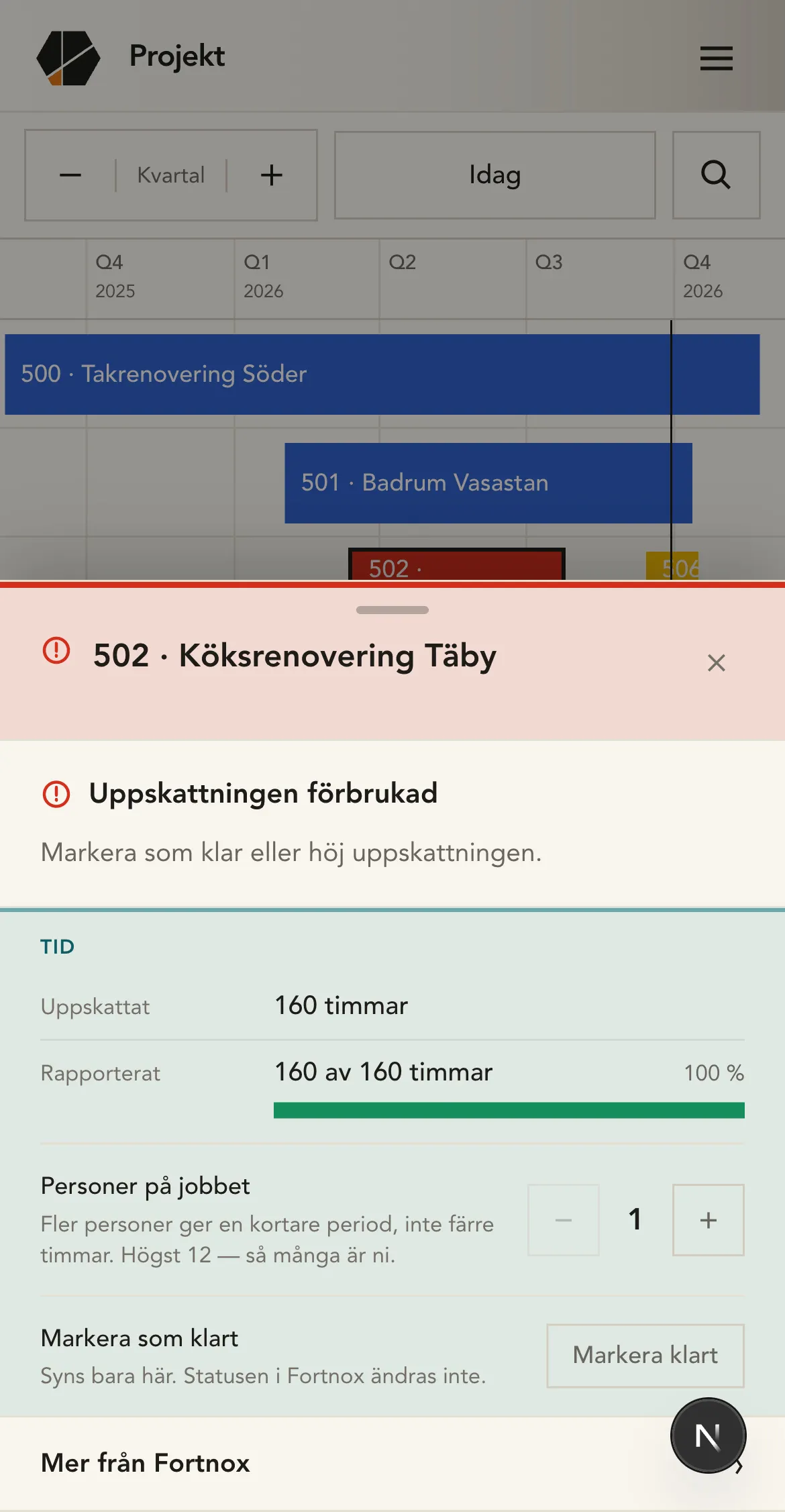
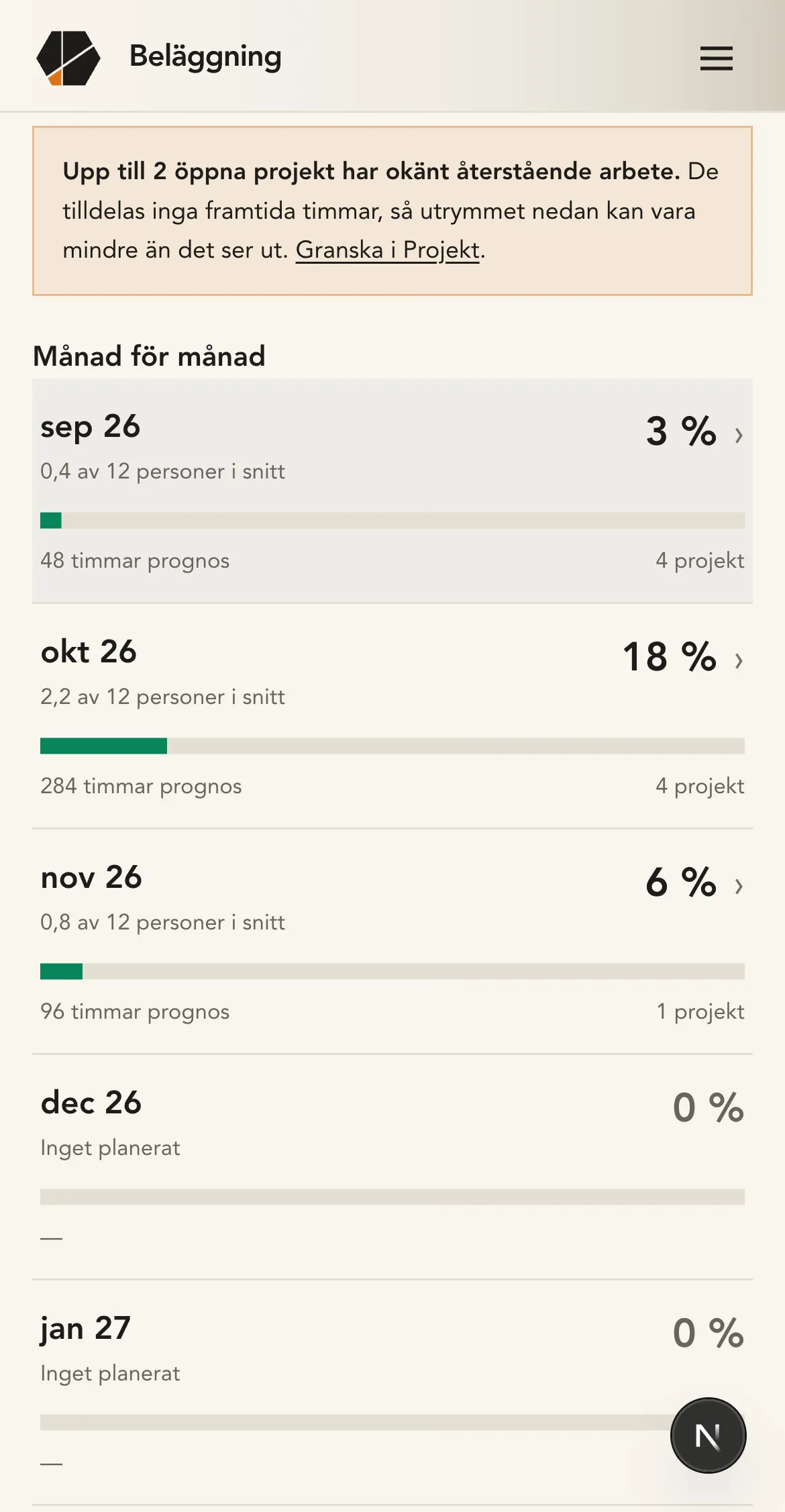
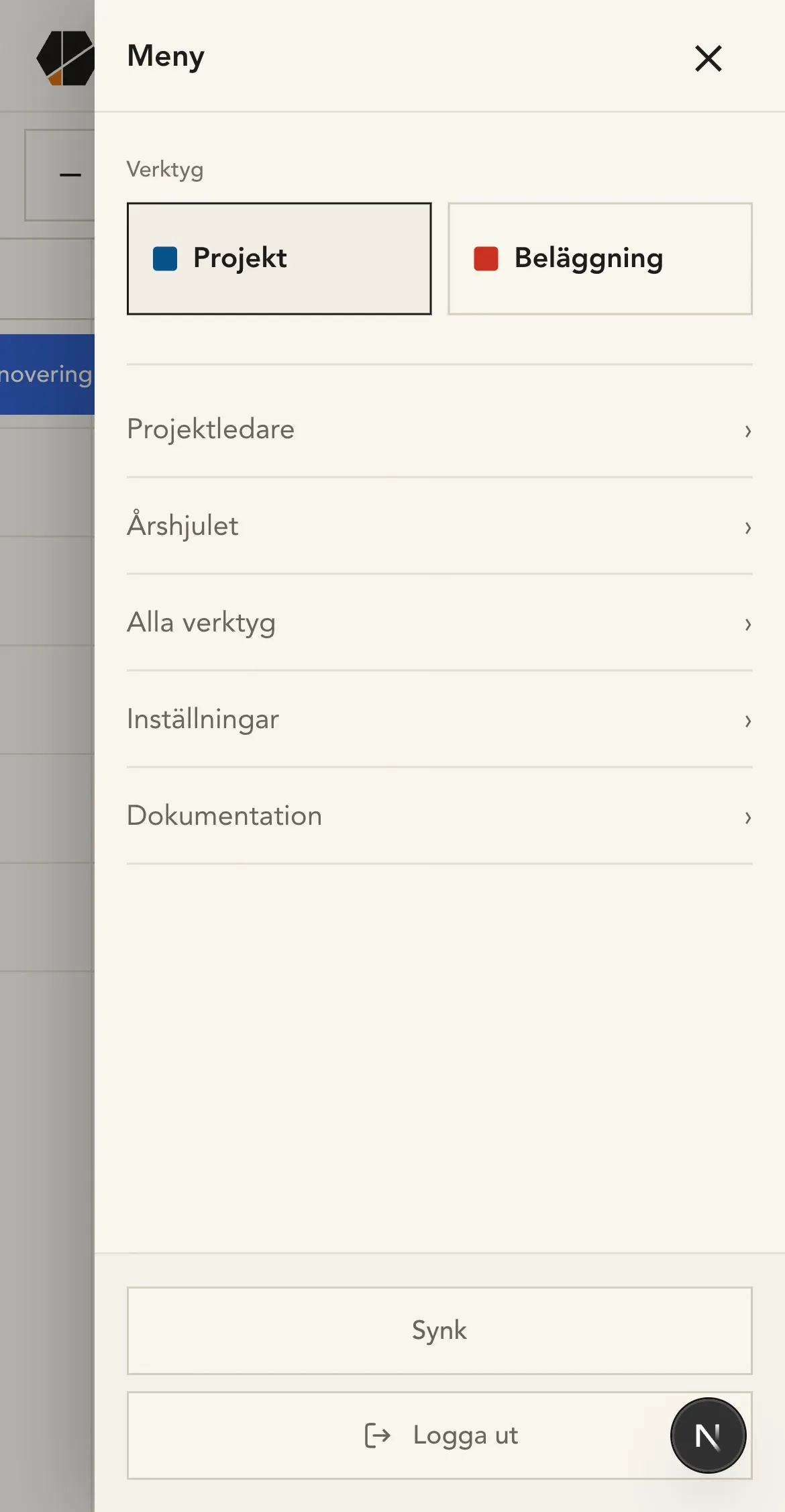
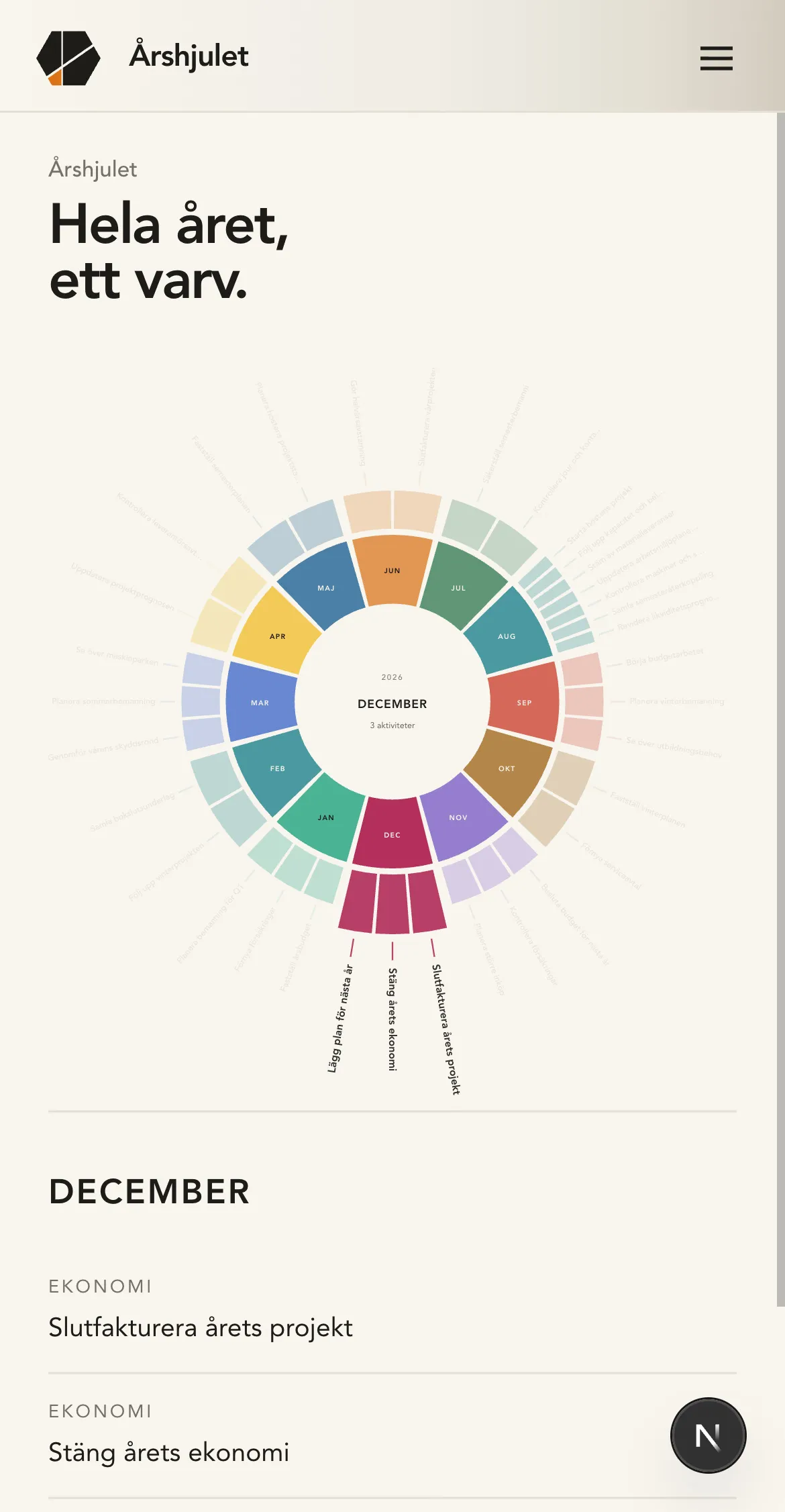
An internal planning and visualization tool for a construction company, fed by their data in Fortnox.

Byggkollektivet
Byggkollektivet on desktop
Byggkollektivet, navet on desktop
Byggkollektivet, projekt on desktop
Byggkollektivet, belaggning on desktop
Byggkollektivet, projekt on desktop
Byggkollektivet, hjulet on desktop
Byggkollektivet on mobile
Byggkollektivet, navet on mobile
Byggkollektivet, projekt on mobile
Byggkollektivet, belaggning on mobile
Byggkollektivet, projekt on mobile
Byggkollektivet, hjulet on mobile
01 / 07
III

Gotmap

web app · 2026

Interactive map of Westeros.

amapofthrones.fyi
Gotmap on desktop
Gotmap on desktop
Gotmap on desktop
Gotmap on mobile
Gotmap on mobile
Gotmap on mobile
01 / 03
IV

Michi

mobile app · 2026 · wip

Japanese learning app.

Michi on mobile
Michi on mobile
Michi on mobile
Michi on mobile
Michi on mobile
01 / 05
V

Robo

web app · 2026

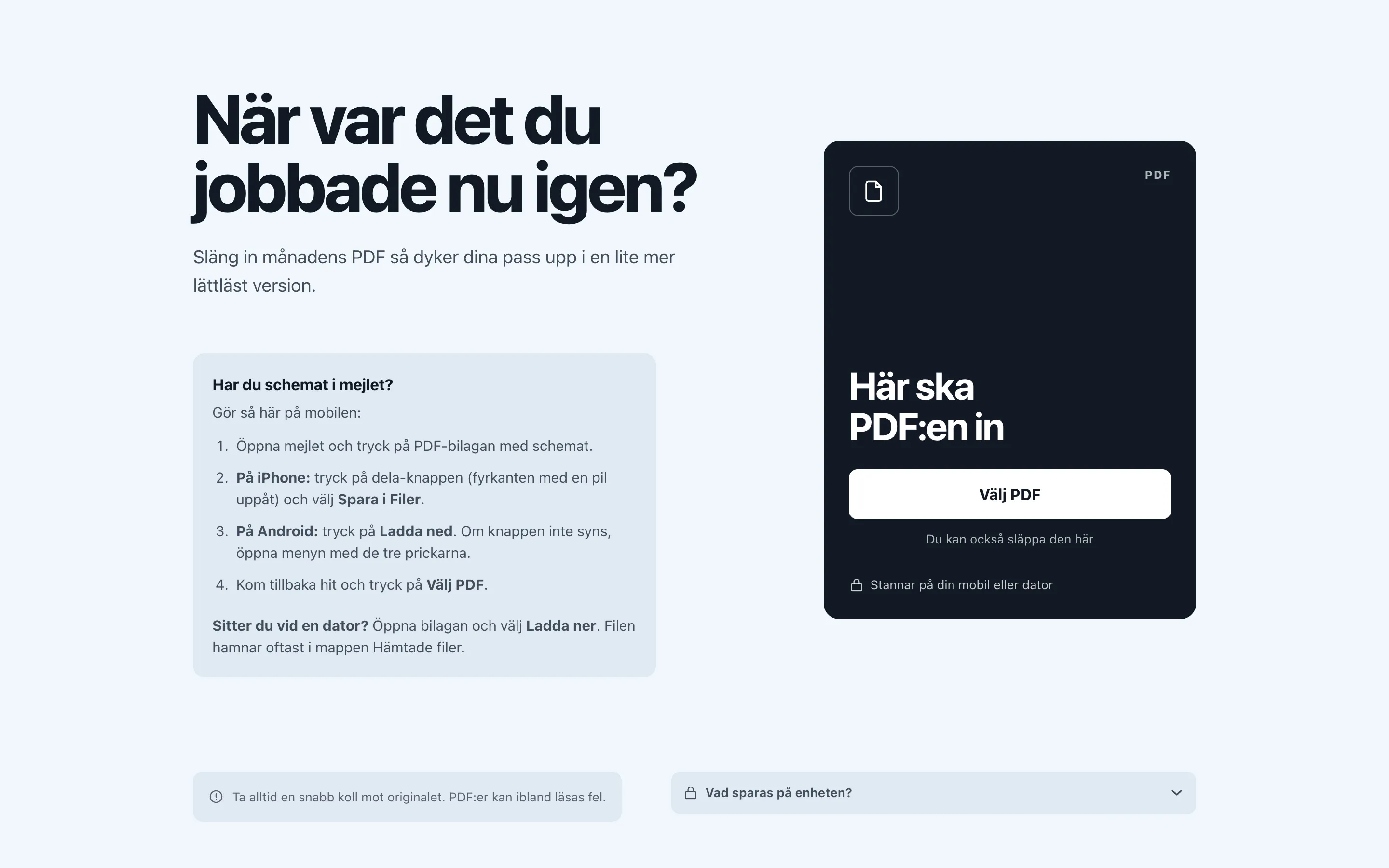
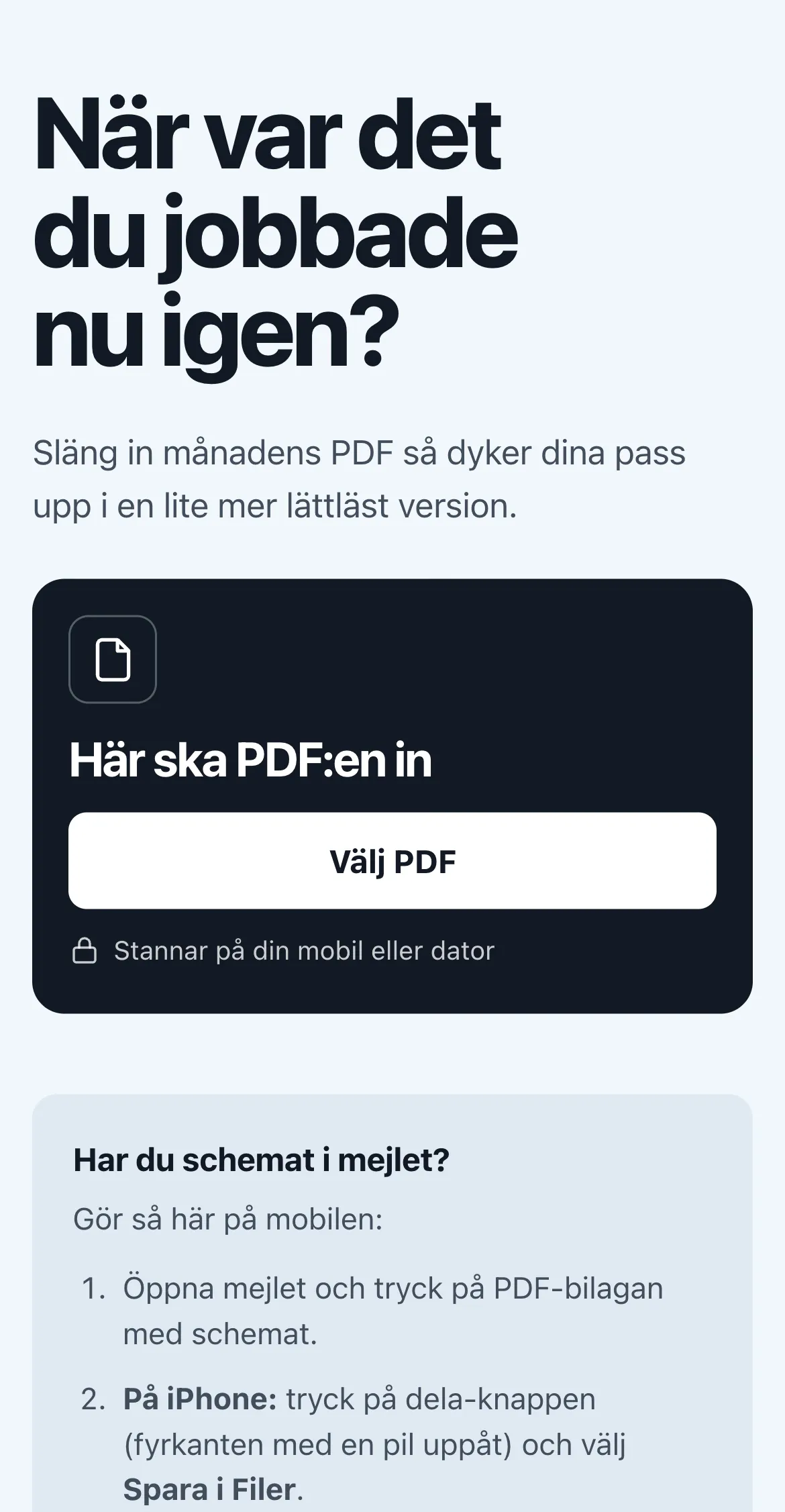
A schedule app for a specific workplace. Users upload their PDF schedule and get a clear, easy-to-read monthly summary.

edchy.github.io/robo
Robo on desktop
Robo on mobile

A selected few. The rest are in the cabinet.

view all work →

Akilles

mobile app · 2026

stack
React Native · Expo · Expo Router · TypeScript · AsyncStorage

A workout app with one job: open it and know exactly what to do. I built it for myself, for the moment between sets with a phone in a sweaty hand, when I don’t want to plan, pick or think. One exercise on screen at a time, with the weight and the reps already decided.
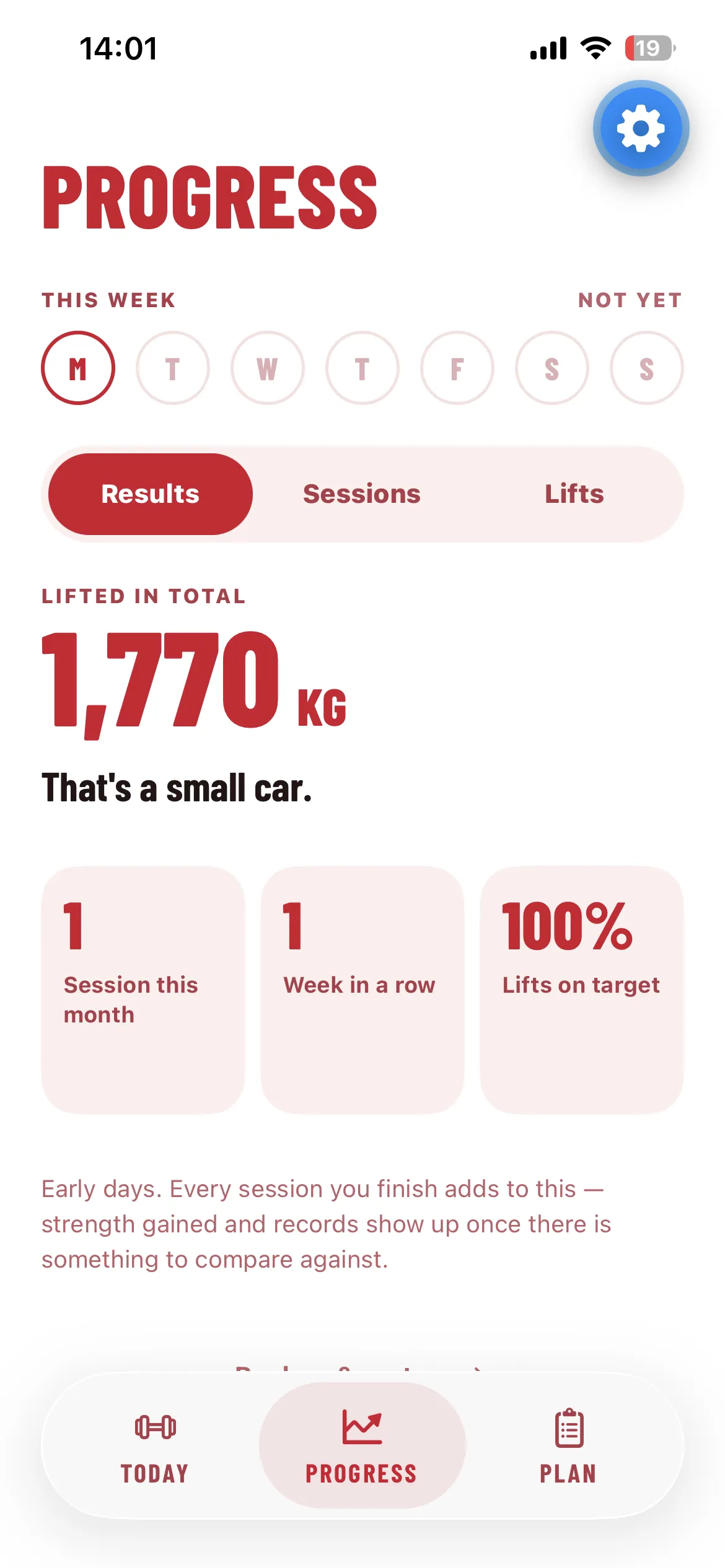
The app does the arithmetic. You log a set by tapping its circle, and your reps decide what happens next time: hit every set and you climb a rep ladder, top it out and the weight goes up, fall short and it holds, fall short twice and it drops 10%. Progression follows the exercise and the rep range, so swapping barbell bench for dumbbells gives you the dumbbells’ own numbers, and swapping back picks up exactly where you left off.

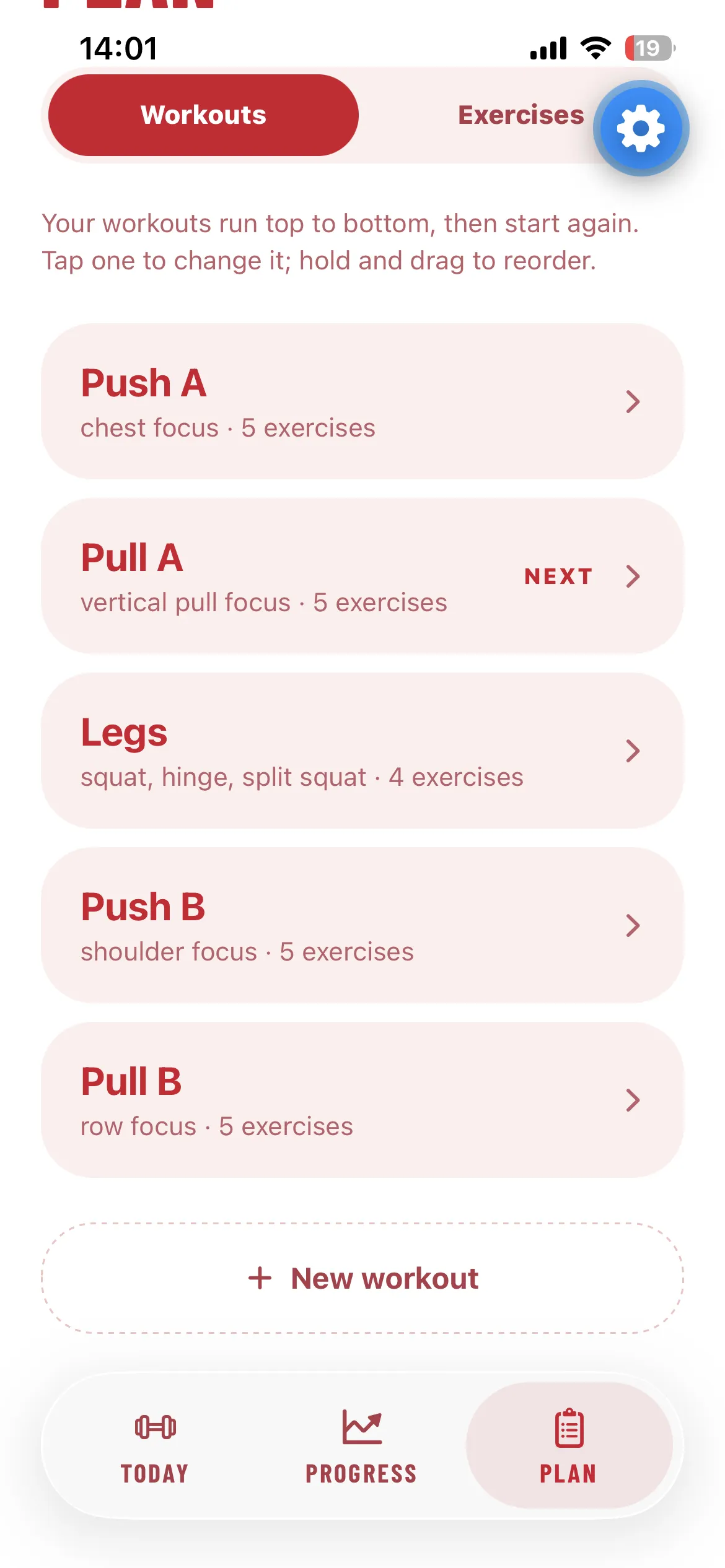
The program is a cycle that only moves forward when you train, so a missed day creates no debt and nothing to make up. Warm-up sets are worked out for you, arms and abs close each session, and mobility runs as a deck of cards with a countdown. Everything is editable in the app: the workouts, their order, and what fills each slot.

Akilles also has a voice of its own: cheeky, blunt and a bit harsh about the lifting, never about you. Try to skip a warm-up and it will have a word. The promise is simple: open the app, do the next useful thing, leave before you hate it.

Built with React Native and Expo, and all your training stays on the phone.

Byggkollektivet

web app · 2026

stack
Next.js · PostgreSQL · Railway · Fortnox API

An internal tool for Byggkollektivet, a construction company, for planning their work and seeing it at a glance.

The company’s data lives in Fortnox, their accounting system. The tool connects to it, fetches that data and keeps it in its own Postgres database, where it can be planned around and visualized. An hourly cron job keeps it in sync with Fortnox.

It’s a Next.js app. It’s internal, so there’s no public link.

Gotmap

web app · 2026

stack
TypeScript · Vite · MapLibre GL · GeoJSON
link
amapofthrones.fyi ↗

This one came straight out of watching Game of Thrones. I kept pausing to google maps of Westeros, trying to work out where everyone was, where they were heading and how far apart things actually were. So I built the map I kept wishing I had: an interactive atlas for that exact moment, when you’ve paused an episode, want to know where a place is, what it’s near and who holds it, and then want to get back to the show.

That moment shaped every decision. It’s a second-screen tool, so it has to work one-handed on a phone in a dark room. It opens straight onto the map with no instructions, and the interface stays out of the way until you search, zoom or tap something. There’s a night theme and a proper daylight atlas, designed separately rather than inverted.

Under the hood it’s a MapLibre GL map drawn from GeoJSON: regions, rivers, roads, lakes, islands, the Wall and 241 named places. A small data pipeline fetches and cleans the upstream map data, fixes misspelled place names, and checks every name against the wiki, so a place only links out when its page actually exists. The fonts are compiled to SDF glyphs so labels stay crisp at any zoom.

The fiddliest part was colour. Neighbouring regions have to stay distinguishable in colour and in greyscale, so the region fills sit on a three-step lightness ladder, and a contrast check runs on every build and fails it if two neighbours get too close.

It’s a fan project and non-commercial by necessity: the map data is CC BY-NC-SA, and the world belongs to George R.R. Martin.

Michi

mobile app · 2026 · wip

stack
React Native · Expo · TypeScript · MMKV · Vitest
link
github.com/Edchy/michi-rn ↗

My son wants to learn Japanese, so I’m building him an app to learn it with. That set the rules from the start: short, easy lessons, nothing on screen to distract him, and spaced repetition so what he learns actually sticks. No streaks, points, punishment or any of the usual engagement tricks.

It started as a Next.js web app, which I’ve since frozen and am now rebuilding natively in React Native with Expo. The learning core (the course content, a spaced-repetition engine and the session planner) doesn’t import anything from React or the DOM, so it moved over untouched: 197 of the web build’s 205 tests pass in the native build without a single change.

The first native slice is the vowel station, with teaching, practice, a checkpoint and saved progress, using real recordings for 46 kana and a handful of words. Getting the audio right was its own detour. Taps have to sound instantly, retrigger without queueing, and keep consonants like ち and つ intact, so the audio layer runs on react-native-audio-api and was verified on a physical iPhone.

Still to come: the world map that ties the stations together, and a general runner so every station works like the first one.

Robo

web app · 2026

stack
React · TypeScript · Vite · pdf.js
link
edchy.github.io/robo ↗

This started as my own problem. At my workplace the whole month’s schedule arrives by email as one dense PDF, and finding your own shifts means squinting through everyone else’s rows. So I built Robo for myself: drop in the PDF, pick your initials, and see only your own shifts, with the next one as the headline. Then my colleagues saw it, and now pretty much everyone at work wants to use it.

Everything happens on the phone. The PDF is parsed locally with pdf.js and never uploaded, and there’s no analytics, no accounts and not even a font from a CDN, so the privacy promise stays literally true. Once the page has loaded, it keeps working in airplane mode.

Two ways to take your schedule with you, both entirely in the browser:

  • Add to calendar generates an .ics file for Apple, Google or Outlook. Night shifts become single events that span midnight, which the PDF can’t show, and re-importing a corrected month updates the events instead of duplicating them.
  • Print uses a print stylesheet that turns the month into a clean sheet, so “Save as PDF” works without a PDF library in the bundle.

The shift types (morning, day, evening and night) are the only colour in the interface, and each one also has a label and an icon so it survives colour blindness and a black-and-white printout. It’s in Swedish and built for one-handed use in a hallway. Two interface directions were tested side by side before this one won.